System Overview
This chapter presents an example setup: a UR5e robot extended with a Festo servo drive.
Functional Principle
The UR5e robot consists of the robot arm and the robot controller, running Polyscope and the esaDrive URCap. An additional drive comprises the motor and its associated drive controller. The robot controller is connected to the drive controller via an Ethernet cable and exchanges motion commands (e.g., position, speed) as well as status and diagnostic data (e.g., actual position, error codes) over Modbus‑TCP. The URCap handles all communication and provides new nodes in the robot program that allow the servo drive to be controlled seamlessly as an additional axis.
With the esaDrive URCap, up to six additional drives can be connected to the robot controller simultaneously.
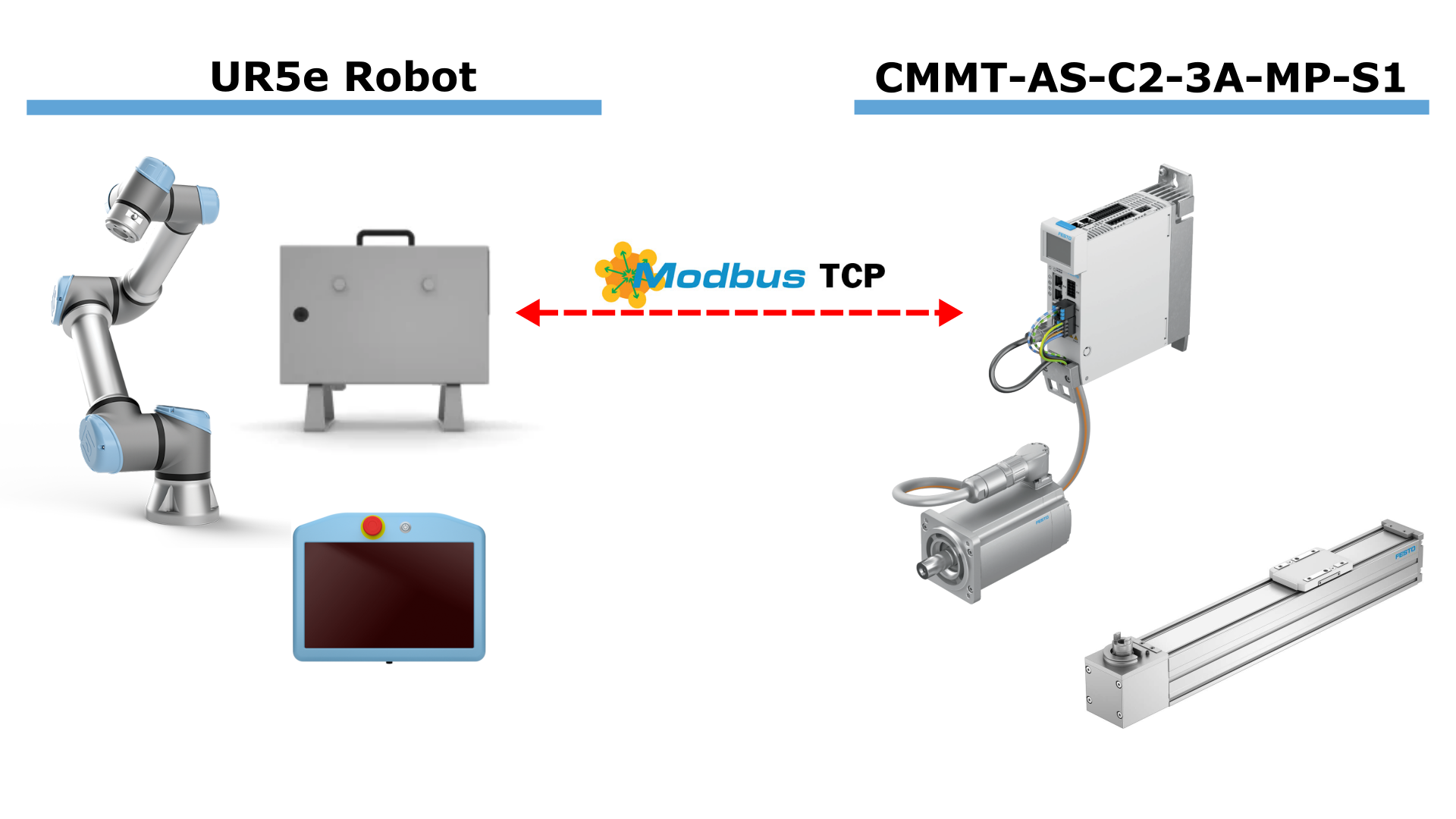
Figure: Example configuration of a UR5e robot with an attached Festo servo drive.
The additional drive can, for example, move a linear axis or a rotary table. The specific mechanical equipment to be driven is configured in the drive controller using the Festo Automation Suite. The URCap currently supports the units millimeters (for linear axes), inch (for linear axes) and degrees (for rotary axes).
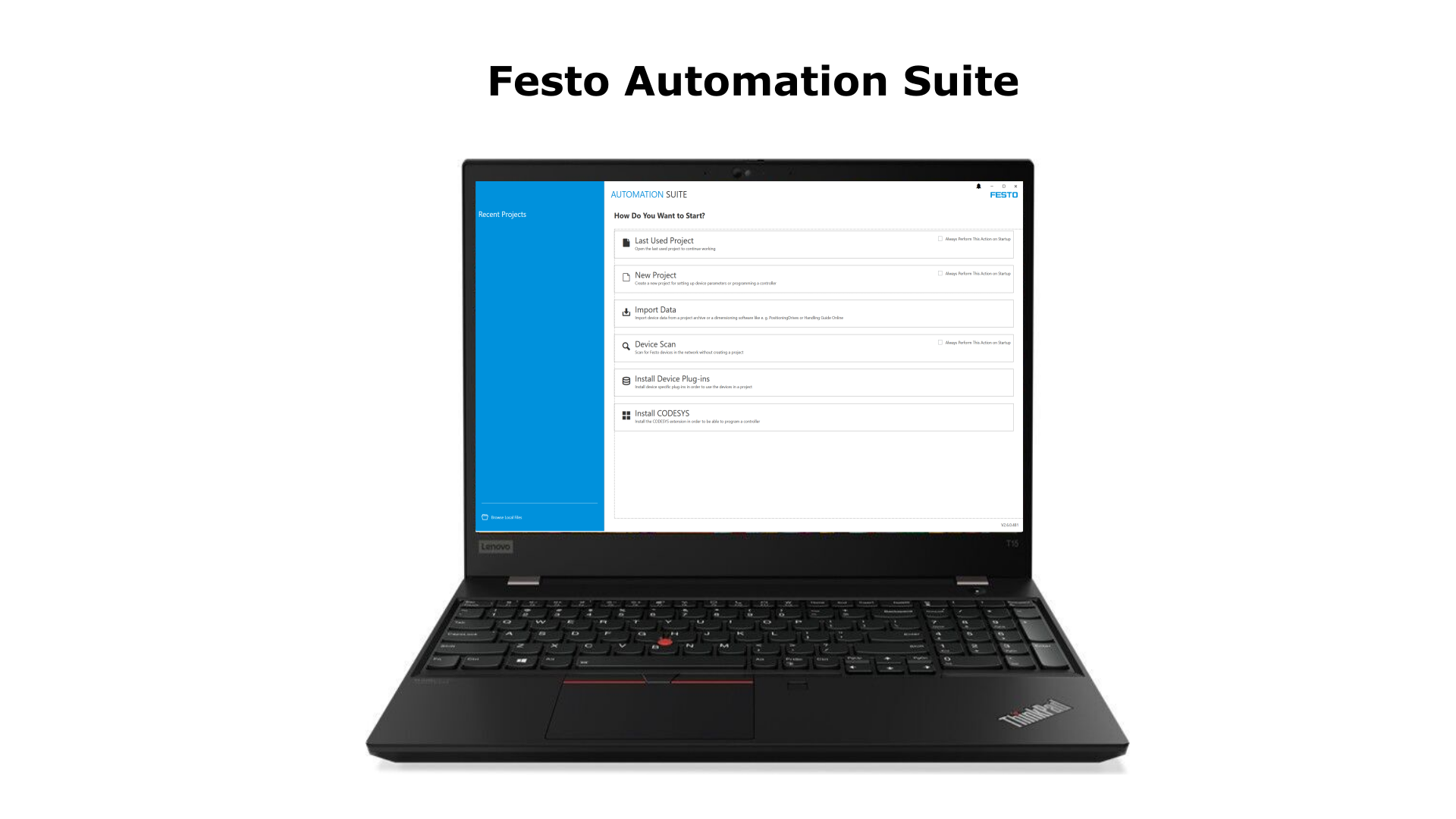
Figure: Festo Automation Suite used to configure the drive controller.
Once the drive controller has been configured with the Festo Automation Suite, it can be paired with the robot controller and will then appear in the robot program.
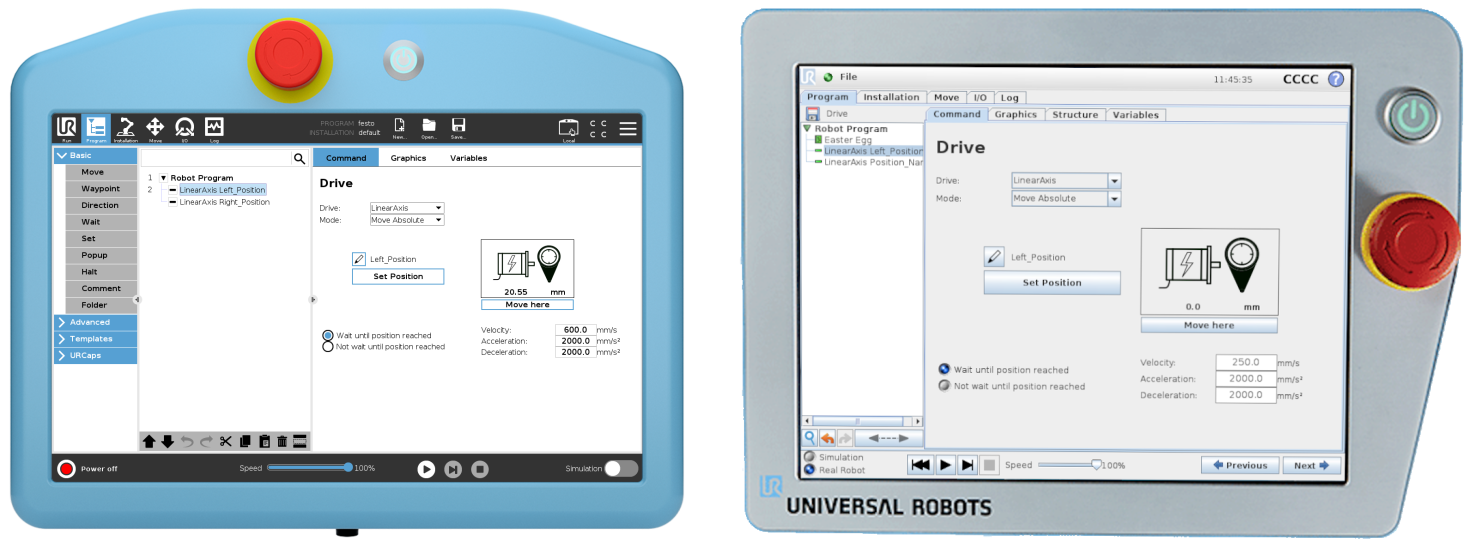
Figure: Polyscope 5 and Polyscope 3 esaDrive.